
Storage Settings
Library management, data storage and log configuration
Rodel Reader's storage settings are located in Settings → General Settings, consisting mainly of library path management and log configuration.
Library Path

Library path settings show the current library location and provide two operations:
| Operation | Description |
|---|---|
| Open in File Explorer | Open library directory in Windows Explorer |
| Switch Library | Return to startup page to select or create a library |
Library Directory Structure
Each library contains the following structure:
Library Directory/
├── registry.db              # Service registry (core file)
├── secrets.db               # Secrets storage (API credentials, etc.)
├── Books/
│   └── <ServiceID>/
│       ├── books.db         # Book metadata
│       ├── covers/          # Cover images
│       └── files/           # Book files
├── Mangas/
│   └── <ServiceID>/
│       ├── mangas.db        # Comic metadata
│       ├── covers/          # Cover images
│       └── files/           # Comic files
└── Aggregator/
    └── <ServiceID>/
        ├── registry.db      # Data source registry
        └── datasources/     # Storage for each data source
Tip
registry.dbis the library's core file, containing registration info for all service instances- Each service instance has its own subdirectory, using service ID as folder name
- RSS and podcast services share the
Aggregatordirectory
Switching Libraries
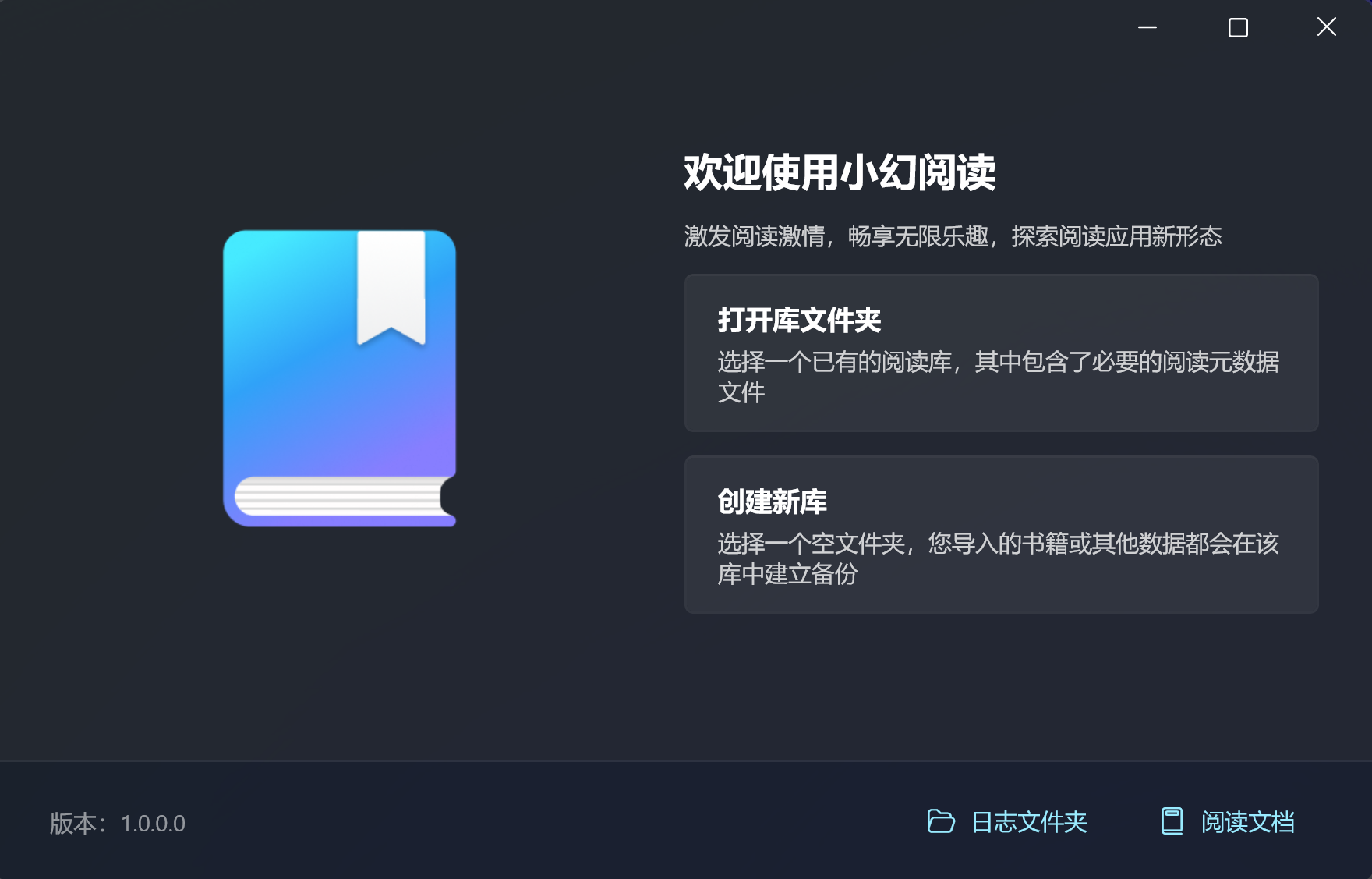
After clicking the switch library button, the app returns to the startup page:
- Select Open Existing Library to switch to another library directory
- Select Create New Library to create a brand new library
Note
Switching libraries does not delete current library data. You can switch back anytime.
Data Backup
Rodel Reader uses SQLite databases to store all data. Backup methods:
Manual Backup
- Click Open in File Explorer in settings
- Copy the entire library directory to a backup location
- To restore, place the backup directory back or use "Open Existing Library" pointing to backup location
Key Files
| File | Content | Importance |
|---|---|---|
registry.db | Service registration info | Must backup |
secrets.db | API keys and credentials | Backup if using sync services |
*/books.db | Book metadata and reading progress | Recommended backup |
*/mangas.db | Comic metadata and reading progress | Recommended backup |
*/covers/ | Cover images | Optional (can be regenerated) |
*/files/ | Locally stored files | Backup as needed |
Log Settings
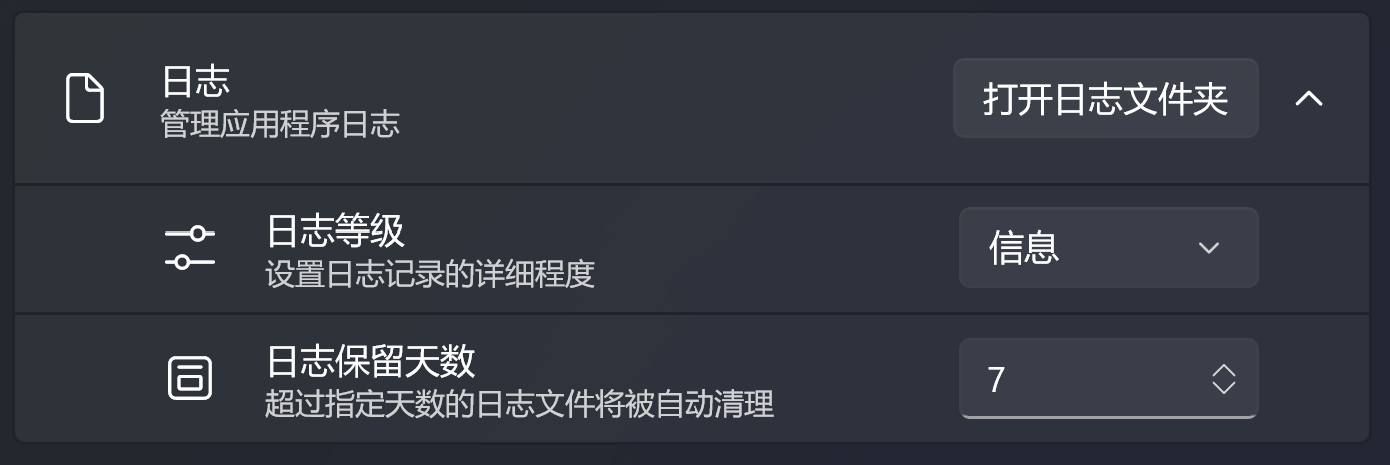
Log settings help troubleshoot issues and monitor app status:
Log Level
| Level | Description | Use Case |
|---|---|---|
| Verbose | Record everything | Deep debugging |
| Debug | Record debug info | Development debugging |
| Information | Record general info | Daily use (default) |
| Warning | Record warnings and errors only | Low storage needs |
| Error | Record errors only | Minimal logging |
| Fatal | Record fatal errors only | Extreme cases |
Tip
For daily use, keep the "Information" level. For troubleshooting, temporarily switch to "Debug" or "Verbose".
Log Retention Days
Set log file retention period (1-365 days). Log files exceeding retention period are automatically deleted.
Open Log Folder
Click this button to open the log directory in File Explorer. When contacting technical support, you can package and send log files.
Storage Cleanup
The app automatically cleans:
- Orphaned service directories: Storage directories are automatically cleaned after deleting a service
- Expired log files: Logs exceeding retention days are automatically deleted
Note
Automatic cleanup does not delete content in cover and file directories. To free up space, manually check these directories.
FAQ
Library file corrupted?
If registry.db is corrupted preventing library access:
- Try opening another library or create a new one
- Copy service subdirectories (e.g.,
Books/xxx/) from corrupted library to new library - Create corresponding service types in new library
- Service data (books, progress, etc.) is preserved in subdirectory
.dbfiles
How to migrate to a new computer?
- Copy the entire library directory to new computer
- Install Rodel Reader
- On first launch, select Open Existing Library
- Select the copied library directory
Running out of storage space?
- Check
files/directory for local files, delete unnecessary content - Reduce log retention days
- Consider moving library to a larger disk